m. Сміла, Незалежності, 67г. оф, 406/6










AJAX NVR (8 MP, 1 HDD) - NETWORK VIDEO RECORDER

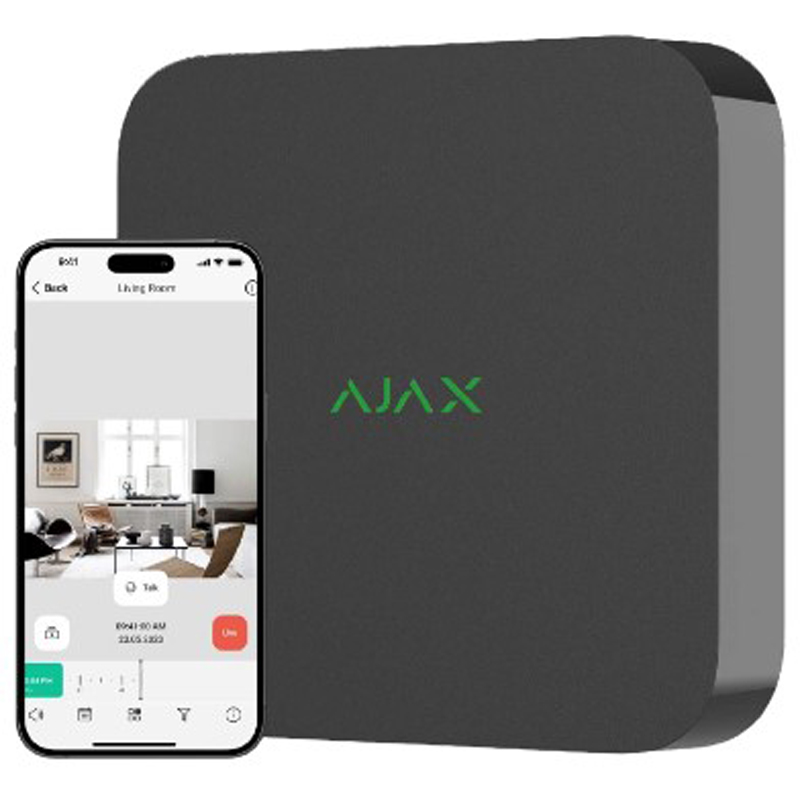
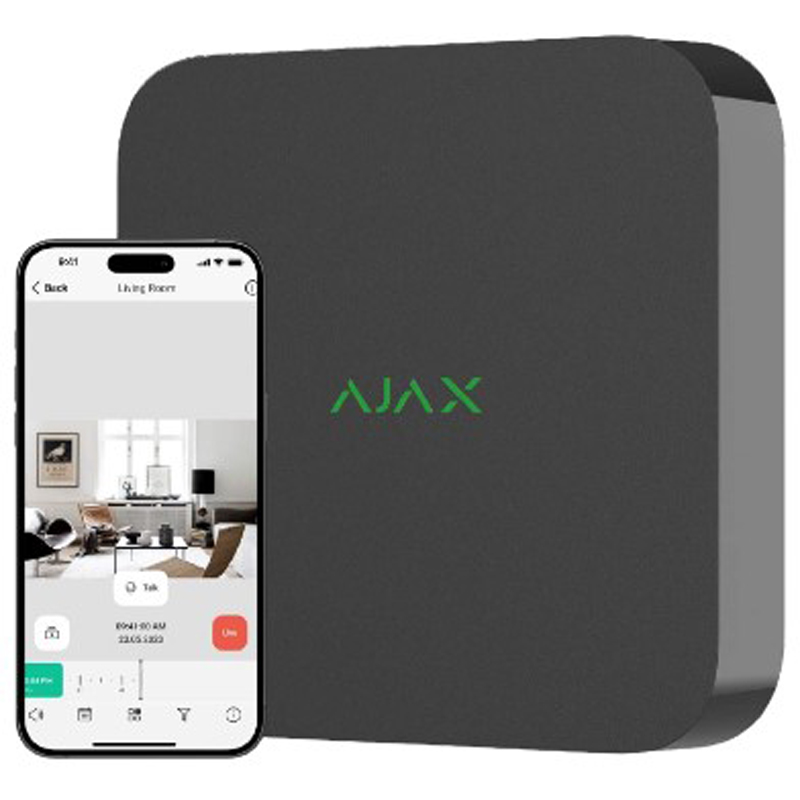
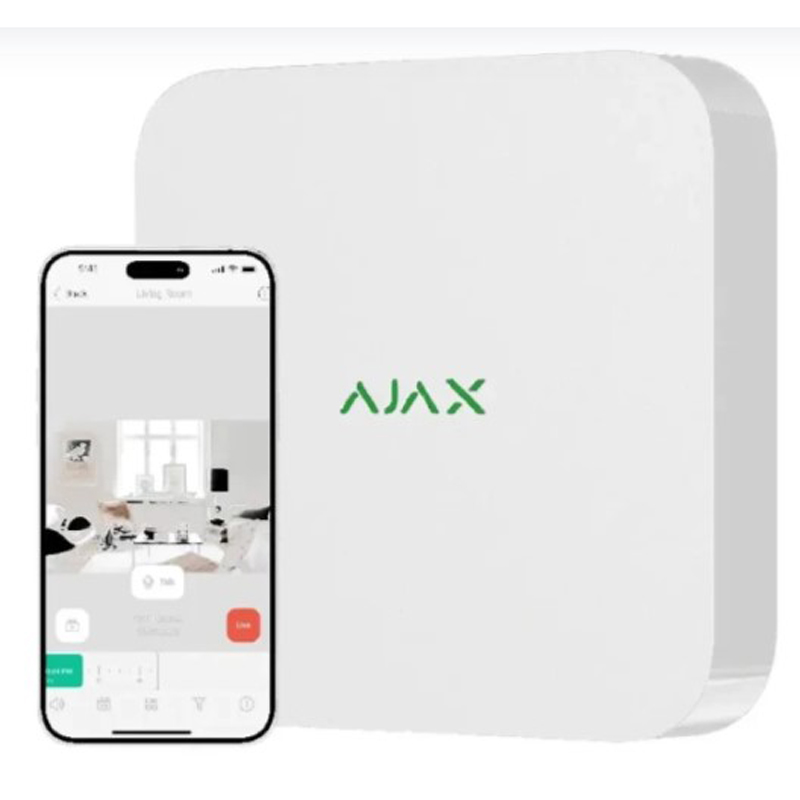


Description Ajax NVR
The entry-level model: what it has and what it deliberately lacks
Ajax NVR is the most affordable recorder in the range: eight channels, recording at up to 8 MP, mains power at 110-240 V and no video output at all. That missing HDMI port is the first thing to understand before buying, because live video and archive footage are available only in the Ajax app on a phone, tablet or computer — there is simply nowhere to plug a monitor. For a homeowner who watches the cameras on a phone anyway this costs nothing and saves money: the HDMI version, Ajax NVR HAC, costs more, which is more. For a shop with a guard post or an office with a reception desk that needs a live screen on the wall, though, the base NVR is the wrong choice by design — no firmware update will add a video output. The same logic applies to USB: there are no ports, so an archive clip is exported through the app rather than copied onto a flash drive at the device itself.
Ajax recorders have no PoE, so budget for a switch from day one
The rear panel carries a single Ethernet socket, and its job is to connect the recorder to the network, not to feed power to cameras. This is a structural difference from most recorders in this catalogue: Hikvision DS-7108NI-Q1/8P(D), Dahua DHI-NVR1108HS-8P-S3/H and Reolink NVS8 all carry eight built-in PoE ports, so each camera gets data and power over one cable. Ajax cameras accept either PoE 802.3af/at or 12 V, but the power source is yours to arrange — a PoE switch, or individual injectors on every line. Eight Ajax cameras drawing roughly 7.5 W each call for a switch with a PoE budget of at least 65-80 W, which means another box in the cabinet and another line in the estimate. Do that arithmetic before ordering: is an honest price only until a switch and a hard drive are added to it.
One bay, up to 16 TB: how many days of footage that really buys
There is a single drive bay for a 2.5″ or 3.5″ SATA disk of up to 16 TB, and no disk is supplied, so it is chosen separately to match the archive depth you need. The working figures for H.265 are these: a 2 MP camera recording continuously consumes about 22 GB per day, a 4 MP camera around 43 GB and an 8 MP camera close to 86 GB. For a full set of eight cameras at 4 MP that adds up to roughly 345 GB a day — about 11 days of archive on a 4 TB disk, 23 days on 8 TB and about six weeks on 16 TB. Drop the secondary cameras to 2 MP or switch to motion-triggered recording and the volume falls by a factor of two to five, so the same 8 TB disk comfortably holds two or three months of events. One limitation deserves attention: with one bay there is no RAID and no hot swap, so use a surveillance-grade drive such as WD Purple or Seagate SkyHawk — a desktop disk is not built for round-the-clock writing and wears out noticeably faster.
Eight channels against a 100 Mbps ceiling: where the real limit sits
Eight channels is a camera count; the practical limit of the system hides in a different number — total incoming bandwidth of up to 100 Mbps through the single RJ-45 port. In H.265, eight 4 MP cameras produce around 32 Mbps and eight 8 MP cameras at high quality about 64 Mbps, so even an all-4K set fits with room to spare. For comparison, the HAC series with its HDMI output is capped at 80 Mbps incoming, which makes the base model the freer of the two in bandwidth terms. Recording runs at 25-30 frames per second, enough that a car passing at 20-30 km/h does not smear when you step through the footage frame by frame. The conclusion is simple: these eight channels are real rather than nominal, and the model belongs where there genuinely are seven or eight cameras, not two or three.
Ajax cameras, third-party cameras and the honest limit of ONVIF
The recorder works with Ajax cameras and with third-party IP cameras over ONVIF and RTSP — it is conformant with ONVIF Profiles S and G, so connecting Hikvision, Dahua or Imou is technically straightforward. The boundary is worth knowing in advance: ONVIF carries the video stream and basic control, while the vendor analytics of a third-party camera — human and vehicle recognition, its own alarm zones, its own scenarios — stay inside that vendor's app and never surface in the Ajax interface. With Ajax cameras the picture is the opposite: they use the proprietary JetSparrow protocol, the archive scrolls smoothly, and camera events sit in the same feed as detector events. Where an Ajax hub is already installed, the recorder becomes part of the security system: a detector alarm brings up the relevant camera, and a monitoring company can look at the footage before dispatching a patrol. If there is no Ajax system and none is planned, the honest advice is to buy a recorder from the same brand as the cameras — otherwise you are paying for integration you will never use.
Setup from a phone, operation without a hub, motion detection on board
The recorder is added to a space in the Ajax app as a stand-alone device; no separate hub is required, only an Ethernet cable and an internet connection. The onboard Bluetooth is not there for video but for service situations: if the network settings drift and the unit loses the cloud, you correct them from a phone standing next to it — particularly valuable here, where there is no video output and no local menu at all. Motion detection runs on the recorder itself with zones configured per channel, so even a basic camera with no analytics of its own gets event markers on the timeline and searching the archive stops being a scroll through hours of footage. Clips exported from the archive carry an Ajax digital signature, a detail that matters the moment a recording has to be submitted as evidence. Firmware updates arrive remotely, with no installer visit and no opening of the cabinet.
Where to install it and why it needs a UPS
The plastic housing measures 193×193×47 mm, is rated IP20 and works from 0 to +40 °C, which means a dry heated room and nothing else. The most common installation mistake is putting the recorder in an unheated garage, a cellar or an outdoor service cabinet: in winter the temperature there falls below zero, outside the permitted range, and the hard drive is the first component to react. Power is the second question — a blackout takes down not only the recorder but the cameras and the switch with it, so the NVR, the PoE switch and the router belong on a shared UPS. The recorder itself draws up to 24 W including the drive, so even a modest UPS gives it several hours, but eight cameras plus a switch add another 70-100 W and that is the figure to size the UPS by. Its dimensions allow it to sit on a shelf in the comms cabinet next to the router; no rack or separate mounting frame is needed.
How it differs from the neighbouring models in this catalogue
Its closest relative is the Ajax NVR DC: identical internals but low-voltage 9-16 V DC input, which lets it hang on the same 12 V battery-backed supply as the alarm panel — that is a sensible move anywhere the mains fails regularly. The Ajax NVR HAC adds an HDMI output, two USB ports and a built-in viewing interface on a monitor, and the extra is justified only when a live screen is genuinely needed on site. The sixteen-channel Ajax NVR makes sense when there are more than eight cameras or expansion is certain; with four to six cameras th is better spent on a larger disk. Outside the Ajax ecosystem the comparison is harsher: Reolink NVS8 and Dahua DHI-NVR1108HS-8P-S3/H cost more but include eight PoE ports, so no separate switch is needed — for plain video surveillance without an alarm system they are the more practical buy. Ajax NVR is chosen when the site already has, or will certainly have, an Ajax hub: video and security events end up in one app, and that, rather than the hardware spec sheet, is the real reason to pick it.
Tell us how many cameras you plan to install, at what resolution and how many days of archive you need — we will select a disk and a PoE switch for this recorder and say honestly whether the sixteen-channel version would serve you better.
Characteristics Ajax NVR
| CODE | Color | Number of channels | Availability | Price | ||
|---|---|---|---|---|---|---|

|
Ajax NVR (8ch) black
|
Out of stock
|
6 59900 ₴ | |||
|
|
Ajax NVR (8ch) black
|
Out of stock
|
10 89900 ₴ | |||
|
|
Ajax NVR (8ch) black
|
Out of stock
|
10 89900 ₴ |
Reviews about Ajax NVR from real users
No reviews found